Digital & markets

NIGHT SHIFT

NIGHT SHIFT · Oriental Time

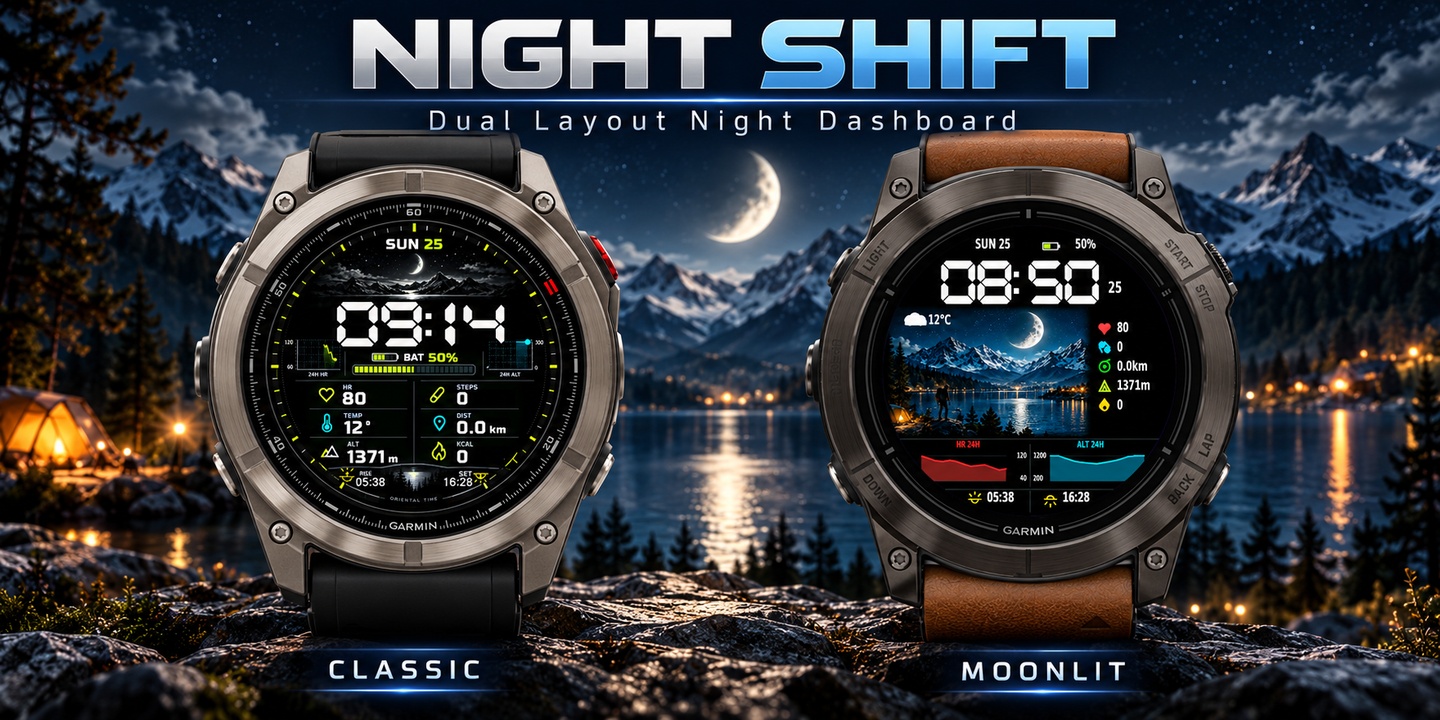
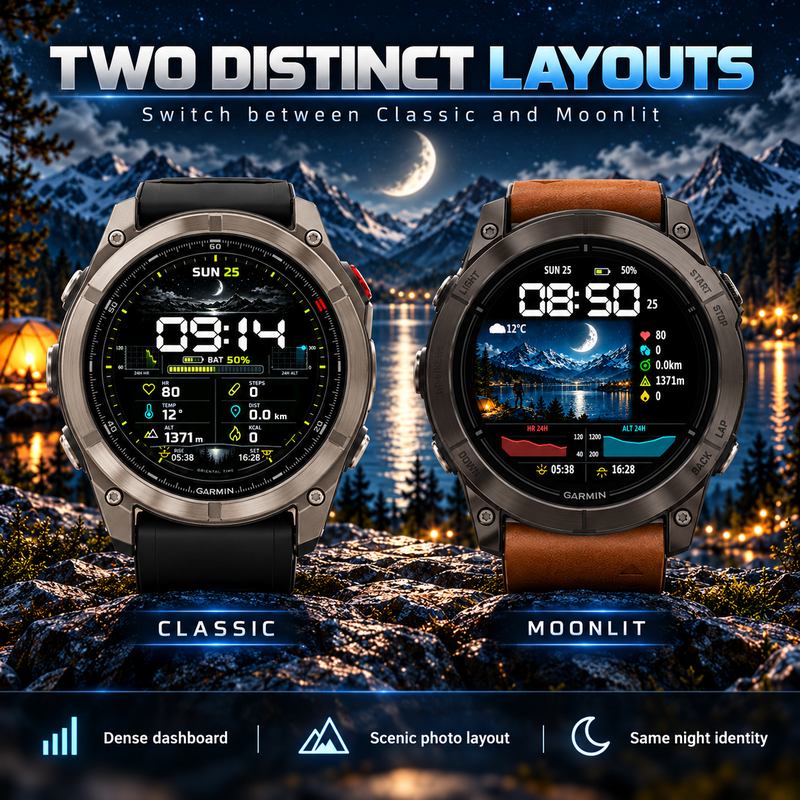
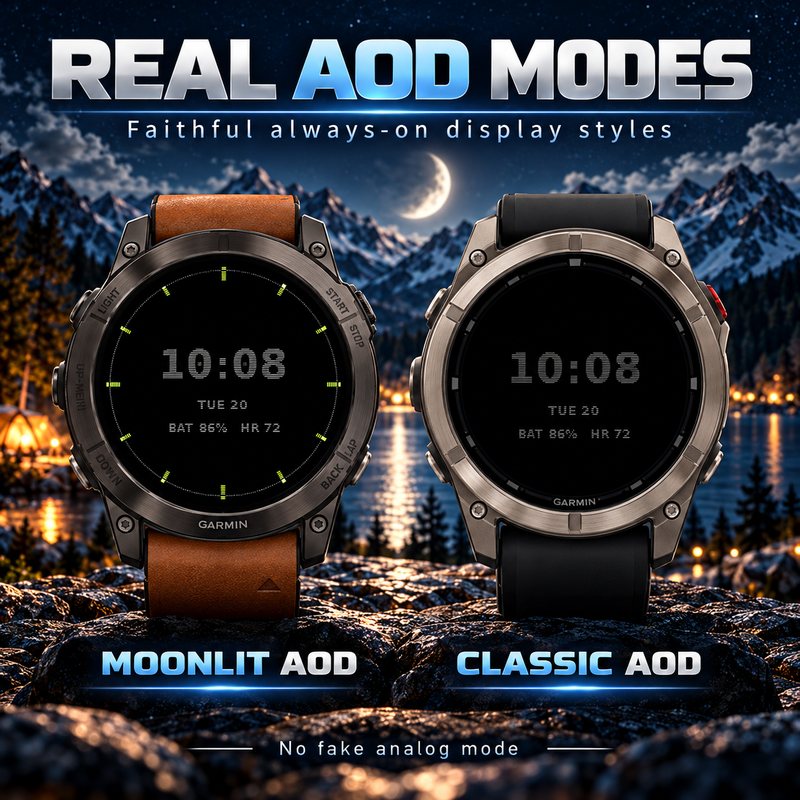
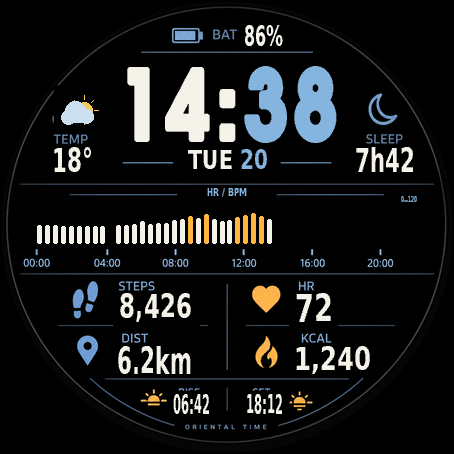
Two switchable night layouts, two digital AOD styles, and real health, activity and outdoor data.

1-hour trialGarmin Connect IQStore release 1.0.4
Permanent activationCA$8

One-time payment · view activation on your confirmed order page

Install / try on Connect IQ ↗
Compatible devices 55
  • Approach® S50
  • Approach® S70 (42mm)
  • Approach® S70 (47mm)
  • D2™ Air X10
  • D2™ Air X15
  • D2™ Mach 1
  • D2™ Mach 1 Pro
  • D2™ Mach 2
  • D2™ Mach 2 Pro
  • Descent™ G2
  • Descent™ MK3 - 43mm
  • Descent™ MK3i - 51mm
  • Forerunner® 165
  • Forerunner® 165 Music
  • Forerunner® 170
  • Forerunner® 170 Music
  • Forerunner® 265
  • Forerunner® 265S
  • Forerunner® 570 - 42mm
  • Forerunner® 570 - 47mm
  • Forerunner® 70
  • Forerunner® 965
  • Forerunner® 970
  • Instinct® 3 – 45 mm, AMOLED
  • Instinct® 3 – 50 mm, AMOLED
  • Instinct® Crossover AMOLED
  • MARQ® (Gen 2)
  • MARQ® Commander (Gen 2) – Carbon Edition
  • MARQ™ Aviator (Gen 2)
  • Mercedes-Benz Venu® 2
  • Mercedes-Benz Venu® 2S
  • Venu® 2
  • Venu® 2 Plus
  • Venu® 2S
  • Venu® 3
  • Venu® 3S
  • Venu® 4 – 41 mm
  • Venu® 4 – 45 mm
  • epix™ (Gen 2)
  • epix™ Pro (42mm)
  • epix™ Pro (47mm)
  • epix™ Pro (51mm)
  • fenix® 9 - 43 mm
  • fenix® 9 Pro - 43 mm
  • fenix® 9 Pro - 47 mm
  • fenix® 9 Pro - 51 mm
  • fenix® 9 – 47 mm
  • fēnix® 8 AMOLED (43mm)
  • fēnix® 8 AMOLED (47mm/51mm)
  • fēnix® 8 Pro
  • fēnix® E
  • tactix® 7 – AMOLED Edition
  • tactix® 8 – 47 mm, AMOLED
  • vívoactive® 5
  • vívoactive® 6

The current official Garmin store list is authoritative.

Official product description
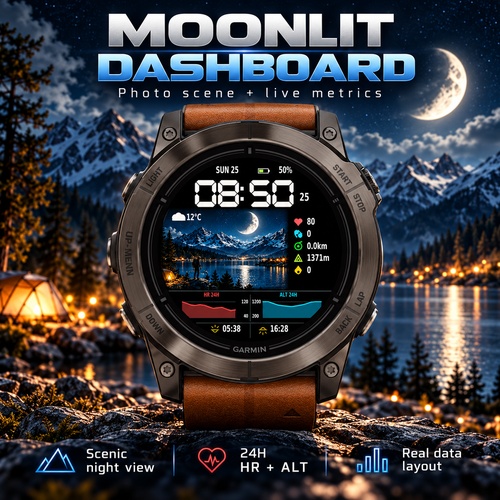
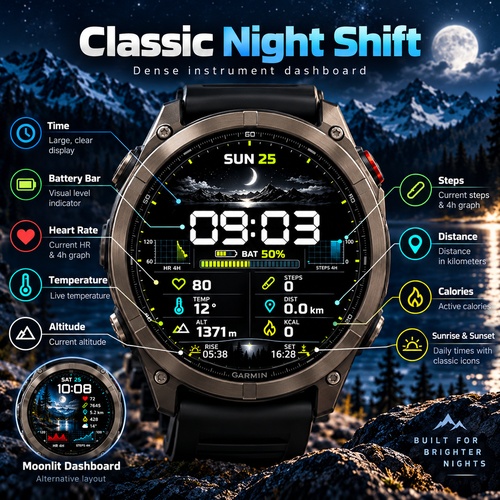
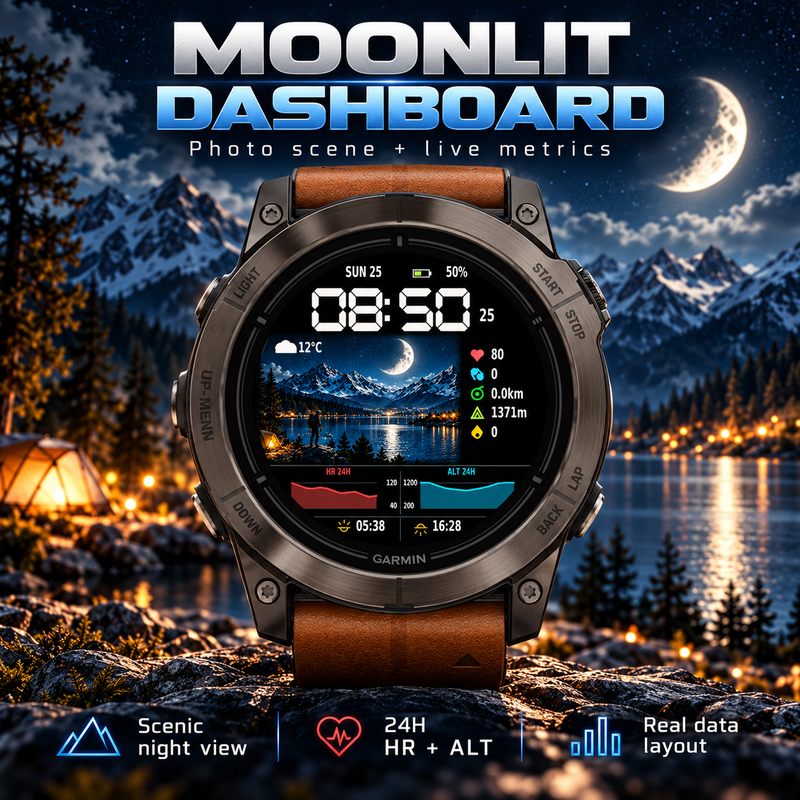
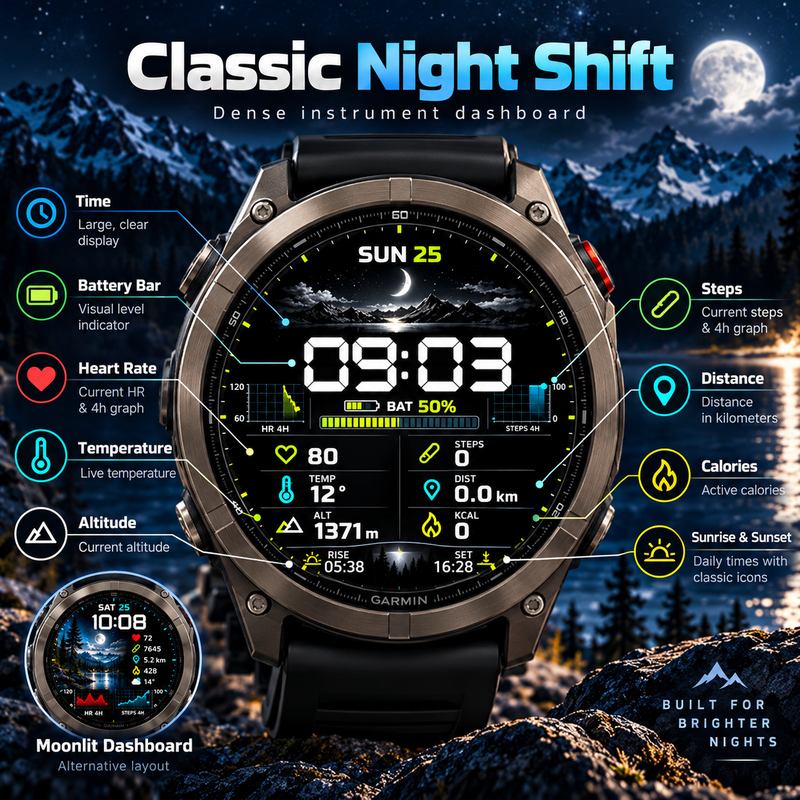
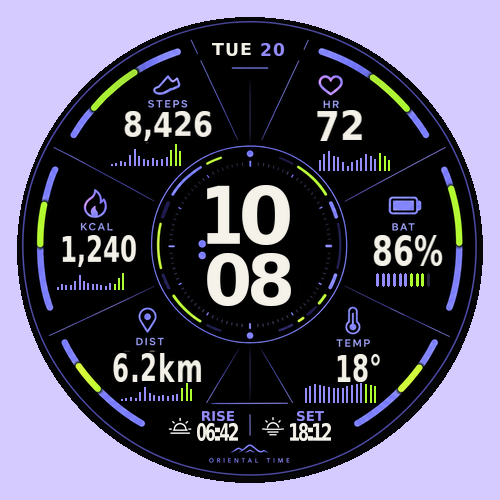
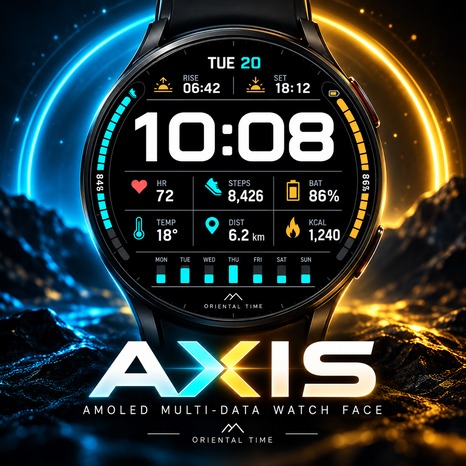
NIGHT SHIFT combines two switchable layouts, Classic Night Shift and Moonlit Dashboard, with two digital always-on styles: Classic and Moonlit Ring. View available heart rate and altitude trends, steps, distance, temperature, calories, battery and sunrise/sunset times. Readings and history depend on your watch and permissions; missing readings show --. Supports 12/24-hour time, metric/imperial units and automatic or manual location for sun times. Includes a one-hour trial. Permanent activation is CA$8 for this watch face and one NS1-XXXXXXXX Install ID. Enter the matching 12-digit permanent code in Connect IQ settings.
Trial & activation details

Install and try the design first, then confirm its name and supported Install ID format. Collect your matching code on the confirmed order page. Contact support first for older or unmatched IDs. Do not repurchase an existing activation.

Full purchase & activation guide ↗
ORIENTAL TIME · SUPPORT

Make it yours

Permanent activation pricing is shown on each product page. Add your model and Install ID to ask the creator about payment and activation.

This inquiry form prepares an email draft; it does not create an order or charge you. For designs with Stripe checkout, use the purchase button on the product page.
dhdym2019@gmail.com ↗
ORIENTAL TIME · PERMANENT ACTIVATION

Your permanent activation

—

One-time purchase · one Install ID for this watch face

Install and check compatibility first. Enter this design’s Install ID and Garmin model on Stripe. The creator verifies the settled payment and sends a code manually. Contact the creator before paying if you need urgent delivery.

Check your Install ID before paying
  1. Open Connect IQ → My Device → My Watch Faces → this design → Settings.
  2. Find Install ID and copy the complete value. If it is missing, send the creator a screenshot of this design’s settings.
  3. This is not your name, email, watch model or watch serial number. Do not invent an ID or copy the example.

This local check verifies the format and does not generate a code. You still enter the full Install ID on Stripe.

Next, enter this watch face’s full Install ID, Garmin model and checkout email on Stripe. Enter card details only on Stripe.

Already purchased? Open your saved order link before buying again
dhdym2019@gmail.com ↗Full purchase & activation guide ↗
Garmin Connect IQ

Install / try on Connect IQ

If the store does not open, copy the link into Safari or Chrome, then follow the Connect IQ installation steps.

Open the official Connect IQ store ↗